anti-stalking tools
Opening notes, haecksathon #5
Hi 👋🙂
It’s so cool you’ve made it here.
antistalking.haecksen.org
This is good to know and to look at.
Local experience
Spontaneous cases at our local space
Sentiments
- It’s good to act with a plan
- Don’t act alone if you don’t have to
- Take turns, remember to rest
Rough running order
- Check blast radius
- Forward as helpful
- Create backups if feasible
- Write protocols/notes
- Lockdown and all that
- Follow up, protect yourself
MVT
The Mobile Verification Toolkit (MVT)
Where does the MVT come from?
- Amnesty International Security Lab 2021-07
- In context of the Pegasus Project
- Global targeting of >50k phones by NSO Group since 2016
Motivations
- Protect journalists and other vulnerable groups
- Enable forensics as possible, later proof
For antistalking:
- Specific interest in Stalkerware
- Shift from nation states to commercial attackers
How does the MVT work?
- Software written in Python
- A backup from your mobile
- Indicators of Compromise (IOCs)
This forms a one-sided test.
MVT On iOS
Can we do this on iOS?
MVT On iOS
Can we do this on iOS? Yes, pretty easy!

-
create backup in itunes - (encrypted contains more information)
- check it with command mvt-ios check-backup
mvt-ios check-backup --output /path/to/output/ /path/to/backup/udid/- use other IOC files for check for stalkerware stix2 files are available at the link in the beginning of the presentation
(look at the itunes backup section on the homepage)
it works the same way when you do the backup in another program
MVT On Android
Can we do this with Android & Linux?

The arch & android experience
- Read docs.mvt.re/../android/methodology
- Install Android Debug Bridge
yay -S android-tools
- Using wireless debugging (alternative: USB)
- Problem: backup vs. check-adb
adb pairing
adb pair 192.168.235.68:33757 ******
# * daemon not running; starting now at tcp:5037
# * daemon started successfully
# Successfully paired to 192.168.235.68:33757 [guid=adb-**************-******]

adb connect 192.168.235.68:36107
# connected to 192.168.235.68:36107

adb devices
# List of devices attached
# 192.168.235.68:36107    device

adb tcpip 5555
# restarting in TCP mode port: 5555

adb devices
# List of devices attached
# 192.168.235.68:36107    offline

adb connect 192.168.235.68:36107
# failed to connect to '192.168.235.68:36107': Connection refused

adb connect 192.168.235.68:43079
# connected to 192.168.235.68:43079

adb devices
# List of devices attached
# 192.168.235.68:36107    offline
# 192.168.235.68:43079    device
mkdir 2026-04-19_mvt-test
cd 2026-04-19_mvt-test/
python -m venv .venv
source .venv/bin/activate.fish
pip install pipx
which pipx
# ../2026-04-19_mvt-test/.venv/bin/pipx
pip install mvt
which mvt-android
# ../2026-04-19_mvt-test/.venv/bin/mvt-android
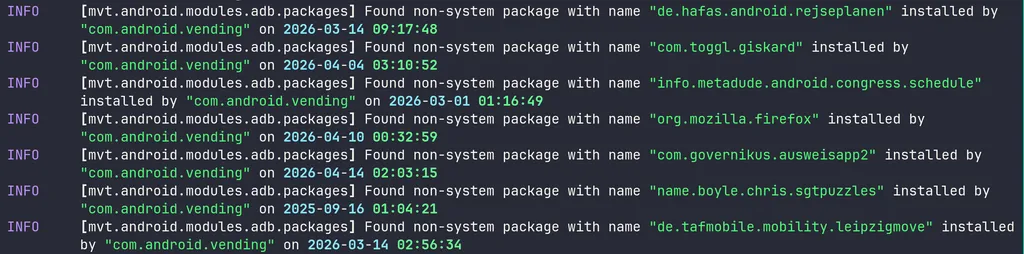
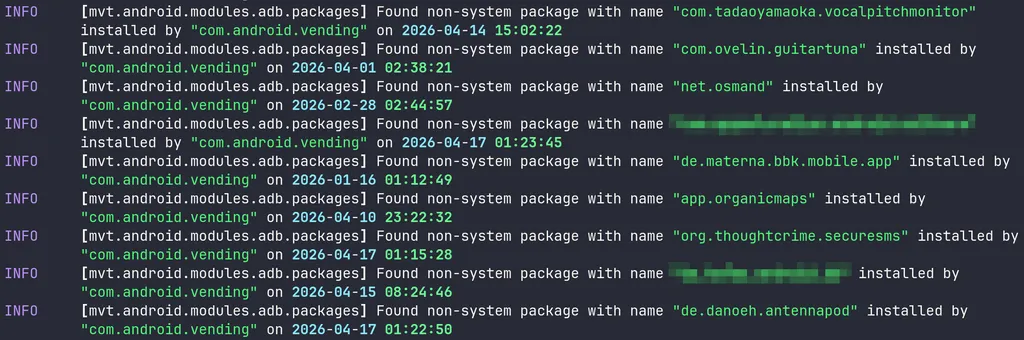
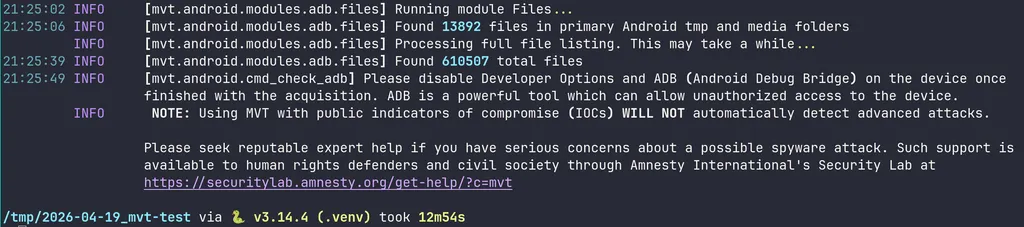
mvt-android check-adb --serial 192.168.235.68:5555 --output test
# ...asked on mobile to allow backup
du -sh test/
# 272M test/
# turning off debugging..
adb devices
# List of devices attached
# 192.168.235.68:43079 offline